
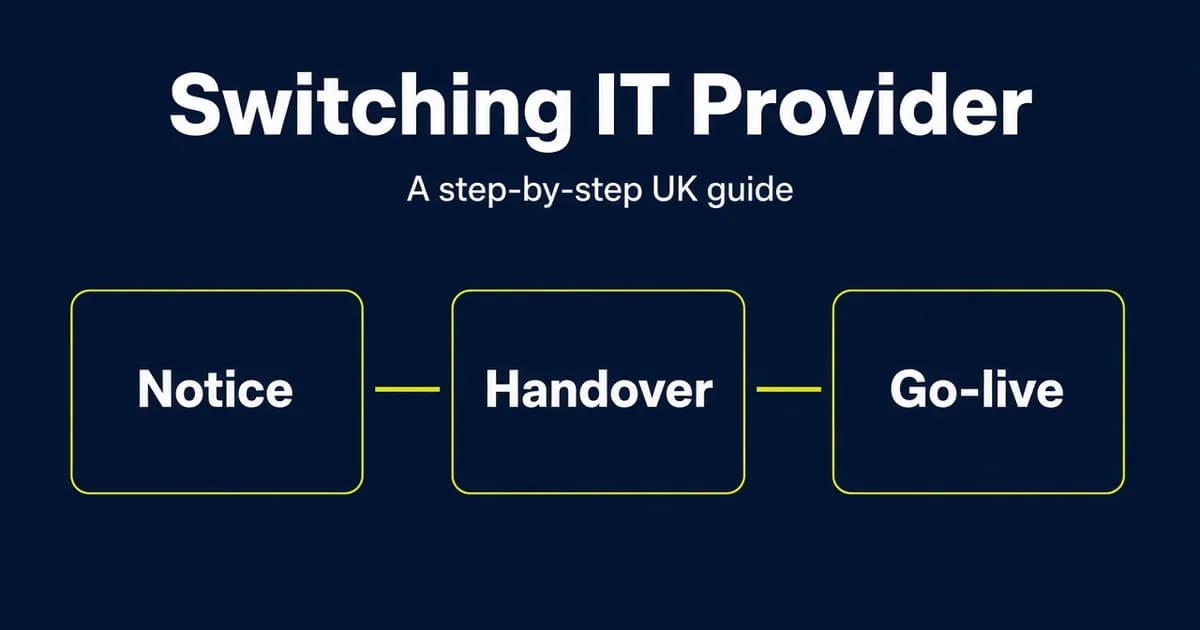
Changing IT support is a practical job, not a leap of faith. This guide walks through what to check before you give notice, how to keep control of your accounts, and how a handover should be planned. It is written from how we take over support for businesses in Rochdale and Greater Manchester, from our office at 109 Dale Street, Milnrow.
Book a free IT audit — a no-obligation review of your current IT setup.
If you already know you want to talk to us, use the switch to BM Tech page or contact us. The records, access and tests to ask for are in the handover checklist below.
1. Signs it is time to switch
These are the problems we hear most often when a business is ready to change provider:
- Response is slow, or you cannot get hold of a named person when something is urgent.
- The monthly cost no longer matches the service you actually receive.
- Security work is left until after an incident, or nobody can tell you what is being backed up and whether a restore has been tested.
- Your business has changed — more sites, more Microsoft 365 users, or a warehouse team — and the support has not kept up.
If several of those are true, it is reasonable to plan a change rather than wait for the next outage.
2. Before you give notice: check your contract
Read your current agreement before you write to anyone. In a commercial IT support contract, the notice period, any auto-renewal, and any exit or handover duties are set out in that document. There is no single statutory notice period that applies to every UK business IT contract, so do not assume a standard number of days.
Look in particular for:
- How much notice you must give, and how it must be given (for example, in writing).
- Whether the contract renews automatically, and when you have to give notice to stop that.
- What the current provider must hand over, and what you must return or pay for on exit.
This is general guidance, not legal advice. If the wording is unclear, have the contract checked before you serve notice.
3. Make sure you own your admin access
Before the handover starts, confirm that your business — not only the outgoing provider — can control the systems that keep you running. At a minimum, check that you know who holds, and can pass on:
- Microsoft 365 global administrator access, and any partner or delegated access the current provider has.
- The domain registrar login, and DNS for your website and email.
- Firewall, switch and Wi-Fi administrator accounts.
- Backup consoles, restore credentials and recent restore-test evidence.
- Software licences, and who is named as the billing or partner contact.
If any of that sits only in someone else’s inbox, get it written down now. It is much harder to fix once notice has been served.
4. Choosing the new provider
Ask the same questions of every firm you speak to, and get the answers in writing. Useful ones include:
- What is included in the monthly fee, and what is billed separately?
- How quickly do you typically pick up a logged ticket, and an urgent request? Is that written down?
- Can you help us prepare for Cyber Essentials?
- Who will be our day-to-day contact, and where is the team based?
- How do you take over Microsoft 365, backups and existing suppliers?
We publish an indicative price: managed IT support is from £35 per device a month. You can get a figure for your devices from the cost calculator before you speak to us. Microsoft 365 licences are added at Microsoft’s plan prices. Ticket response on our service is typically within 30 minutes for logged tickets, and within 5 minutes for urgent requests. That is a typical response, not a guarantee or an SLA.
For a side-by-side comparison, see how to compare IT support quotes.
5. The handover plan
A good handover is a shared plan, not a hard cut-over on one afternoon. It should cover discovery of your systems, a period when the incoming provider is ready before the old one stops, monitoring being installed, a tested backup restore, and the point at which old access is removed and passwords are changed.
How long that takes depends on your systems, how complete the records and admin access are, and the notice in your current contract. We do not quote a standard timescale here. We agree the order of work with you before anything moves.
The technical pack you should ask for is set out in the handover checklist below.
6. What BM Technologies does in a switch
We are a Rochdale-based team at 109 Dale Street, Milnrow, founded in 2021, and we support businesses across Greater Manchester. When you move to us, we start with a conversation about how your team works and what is going wrong. We then review your users, devices, Microsoft 365, backups and security, and confirm a fixed monthly price from £35 per device a month.
We plan the handover with you so that access, passwords and monitoring move across in an agreed order. You usually need to give notice yourself, because it is your contract; we will help you plan what to request and when. Once you are on our service, tickets are typically picked up within 30 minutes, and within 5 minutes when the request is urgent, and we review the setup with you in plain English so issues are not left to drift.
For a shorter overview of working with us, see switch to BM Tech, or call 0161 672 7461 or 01706 391 047.
7. Handover checklist
Use this as a working list. Tick each item only when you have the actual login, document or confirmation, not a promise that it will follow later. You can also download the checklist as a PDF.
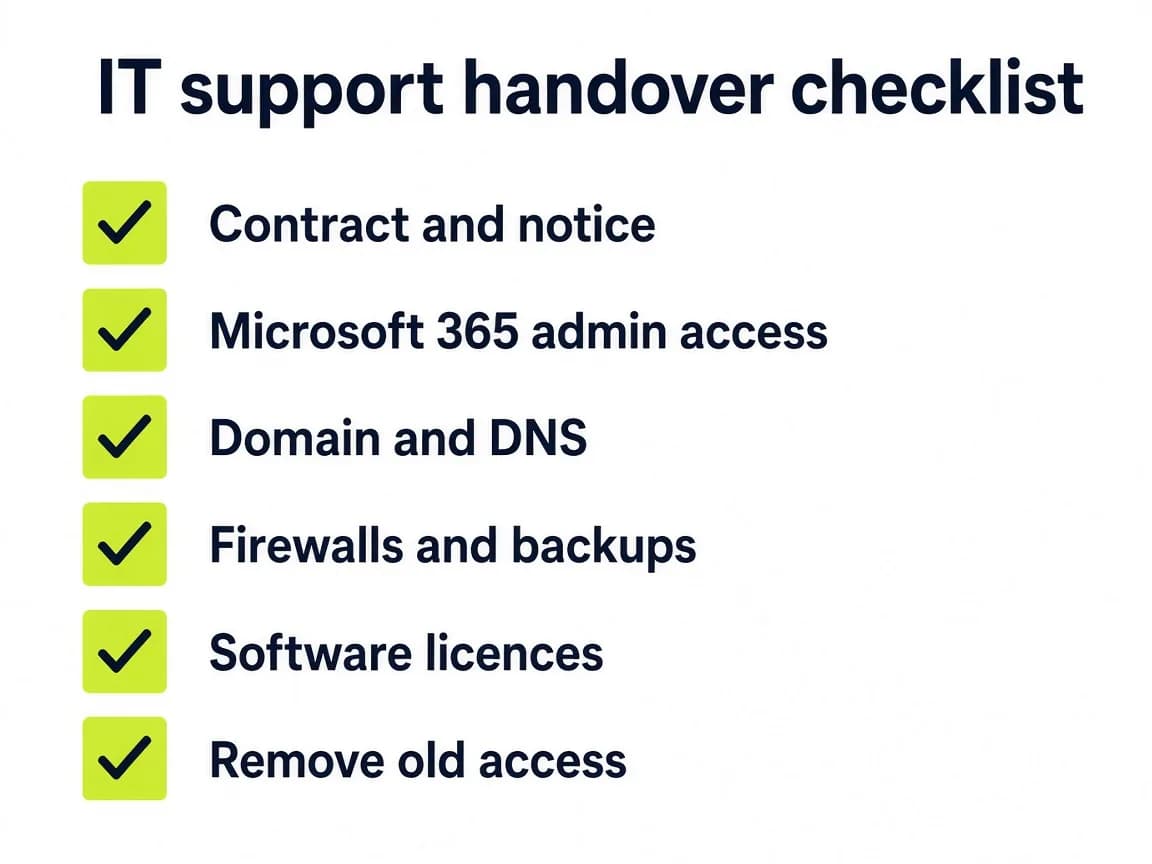
- Contract and notice: date, method and any exit clauses, checked in your own agreement.
- Microsoft 365 admin access under your control, including any partner permissions.
- Domain and DNS logins, with a record of where email and the website are pointed.
- Firewall, backup and restore access, plus evidence of a recent successful restore.
- A list of software licences and who bills for them.
- A plan for removing the outgoing provider’s access and rotating passwords after go-live.
8. Frequently asked questions
How long does it take to switch IT provider?
It depends on your systems, how ready the access and records are, and the notice in your current contract. We agree a plan with you before anything moves, and we do not quote a standard timescale on this page.
Will we have downtime?
The aim is to keep you working as normal. Some changes, such as a DNS or firewall move, are planned for a time that suits you rather than done without warning. We do not promise that every switch is free of any interruption.
Can the old provider refuse to hand things over?
Your agreement is the starting point for what they must do. Ask for the access and records listed in the checklist, in writing. If they delay, it is still your contract: this guide is not legal advice, and you may need to take advice if they will not cooperate.
How much notice do we have to give?
Whatever your current contract says. There is no single statutory notice period for a commercial IT support contract in the UK, so read the notice, auto-renewal and exit clauses before you write.
What does it cost to switch?
Our managed IT support is from £35 per device a month, with Microsoft 365 licences added at Microsoft’s plan prices. We confirm a fixed monthly price after a short conversation about your users, devices and sites. If extra one-off work is needed, we will tell you before it starts rather than leave it as a surprise.
Who contacts the old provider?
You usually need to give notice yourself, because the contract is yours. We will help you plan what to ask for, and we will work with the outgoing provider on the technical handover once you have asked them to cooperate.
Can you take over Microsoft 365 that another company set up?
Yes, provided the right admin access can be granted. That is why we ask you to confirm global administrator and partner permissions early, as set out above.
Do you cover businesses outside Rochdale?
Yes. We support businesses across Greater Manchester from Milnrow, including Manchester, Oldham, Heywood, Middleton and Bury. See the local pages below.
9. Local IT support
If you want to talk about a switch in your town, these pages set out how we work locally:
- IT support in Rochdale
- IT support in Manchester
- IT support in Oldham — and a short Oldham switching note
- IT support in Heywood
- IT support in Middleton
- IT support in Bury
Or start on switch to BM Tech, use the cost calculator, or call 0161 672 7461 or 01706 391 047.