
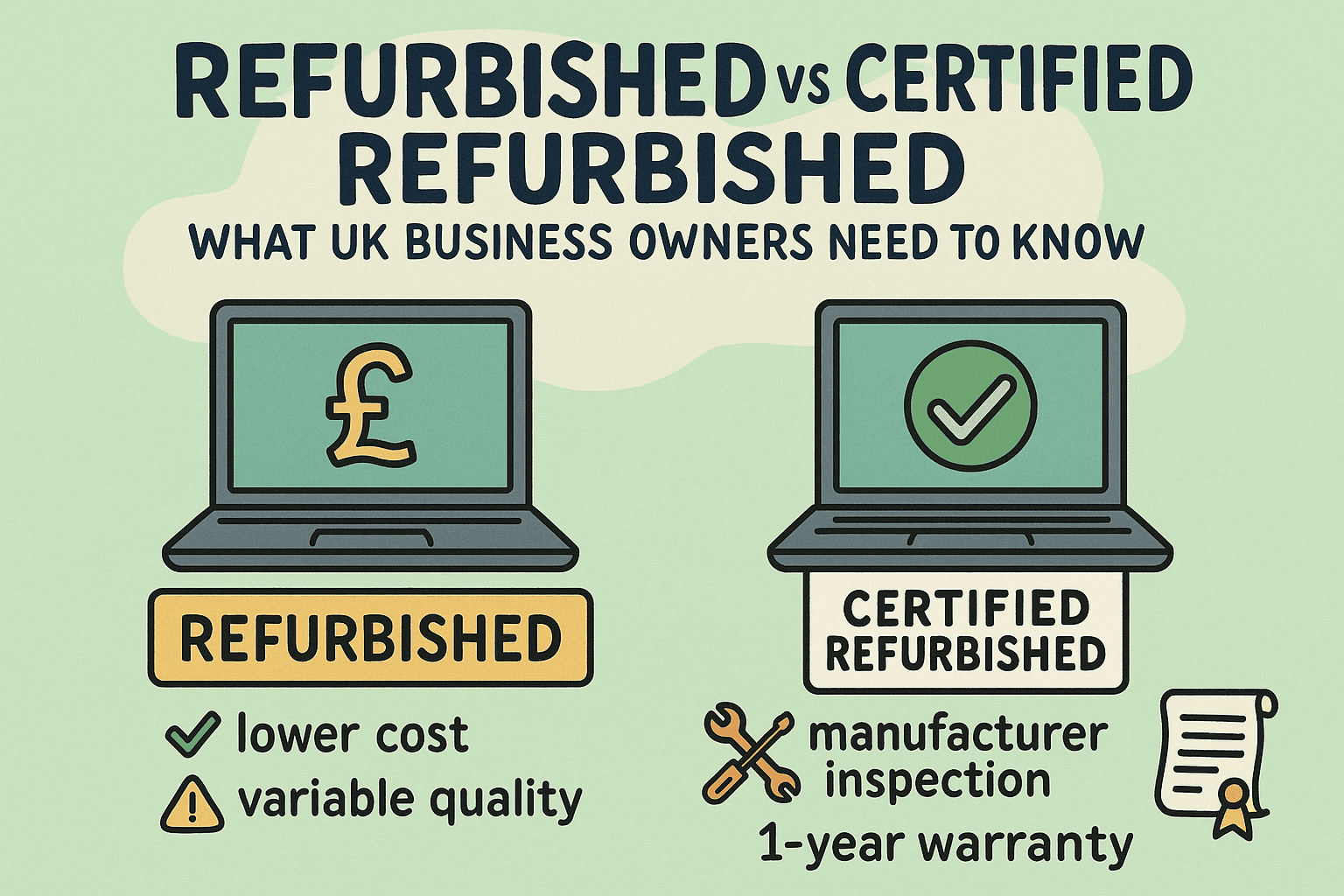
UK business owners need to understand the fundamental differences between refurbished and certified refurbished equipment.
Businesses operating in the UK need to find the right balance between hardware costs and performance levels and system reliability when they purchase IT equipment. The UK SME sector has adopted refurbished equipment as an effective method to decrease expenses without sacrificing operational capabilities. The distinction between refurbished and certified refurbished equipment creates confusion for many businesses because these terms have different meanings.
The following article explains refurbished equipment definitions and their associated risks and advantages together with selection criteria for your business needs.
What Does “Refurbished” Mean?
The term “refurbished” describes equipment which has served its previous purpose before receiving professional restoration to operational status. The market includes pre-owned business equipment including laptops and desktops and servers and networking devices that get returned to the market after repair or basic refurbishment.
The main characteristics of refurbished equipment include both positive and negative aspects which need evaluation.
Refurbished equipment provides businesses with affordable purchasing options since it costs between 30% to 50% less than original retail prices. The cost-effective nature of refurbished equipment appeals to businesses that need to maximize their IT spending capabilities.
The equipment works well for tasks that do not require absolute business-critical performance since it delivers reliable operation at a lower price point. A refurbished laptop provides suitable performance for staff who use their device for basic tasks such as email and web browsing.
The definition of refurbished equipment remains inconsistent because different sellers implement their own testing procedures without standardized guidelines. The quality of refurbished devices depends on the supplier because some perform extensive testing but others only provide basic cleaning services before reselling their products.
The warranty duration for refurbished equipment remains shorter than new hardware since most resellers provide protection for three to six months. Businesses face higher risks when equipment malfunctions after their warranty period ends.
The cosmetic condition of refurbished hardware gets graded by most suppliers. A Grade A refurbished laptop appears nearly new but Grade C devices show noticeable wear despite maintaining operational functionality.
What Does “Certified Refurbished” Mean?
The process of “Certified Refurbished” equipment surpasses standard refurbished products. The equipment receives professional restoration from original manufacturers or their authorized partners who conduct quality tests according to established standards.
The main advantages of certified refurbished equipment include:
The inspection process for certified refurbished devices includes complete replacement of faulty parts with authentic manufacturer components to guarantee high performance and extended product lifespan.
The testing process for certified refurbished products includes complete evaluation of battery performance and processing speed and complete assessment of overall system reliability. The testing process for certified refurbished devices exceeds the standards of non-certified refurbished products.
The equipment receives complete refurbishment that results in new-looking products which include all necessary accessories and arrive in pristine condition. The presentation of certified refurbished devices to employees creates a more professional image than handing out used equipment with visible signs of wear.
The warranty for certified refurbished hardware extends to twelve months or longer and manufacturers provide direct support to customers. The warranty system provides businesses with assurance about equipment dependability.
The main benefit of certified because these products meet manufacturer standards.
Well-known brands including Dell and HP and Lenovo and Apple perform this refurbished devices provides complete assurance to users. Businesses can purchase reliable equipment at lower prices through certified refurbished devices type of refurbishment process.
Your business needs to decide between refurbished and certified refurbished equipment based on your specific requirements.
Businesses that focus on minimizing expenses should select refurbished equipment because it provides the lowest possible cost. Basic office work such as web browsing and email and light administrative tasks can be handled by refurbished equipment.
How we can help: see our home IT support and desktop PCs.
Pros and cons of refurbished laptops
- Pros: lower price, good business-grade models within reach, and less electronic waste.
- Cons: shorter remaining life, batteries that may have lost some capacity, and older models that may not get the newest features.
A quick buying checklist
- Buy from an established refurbisher or retailer, not an unknown marketplace seller.
- Look for a warranty of at least 6 to 12 months.
- Ask about battery health and whether the battery has been replaced.
- Check the processor, memory and storage against what you actually need.
- Confirm it can run a supported version of Windows or macOS.
- Read the returns policy before you pay.
When you buy from a business, the Consumer Rights Act 2015 still applies: goods must be of satisfactory quality, as described and fit for purpose, taking into account that they are refurbished. See Citizens Advice for your rights.
Related reading: How to Choose the Best Laptop for You in 2026 · The Different Types of PCs and Laptops: Which One is Right For You?